Grill restaurant
Grill prices changed Friday morning. The guest at the table sees the new figure before any reprint arrives.
A live menu at the table
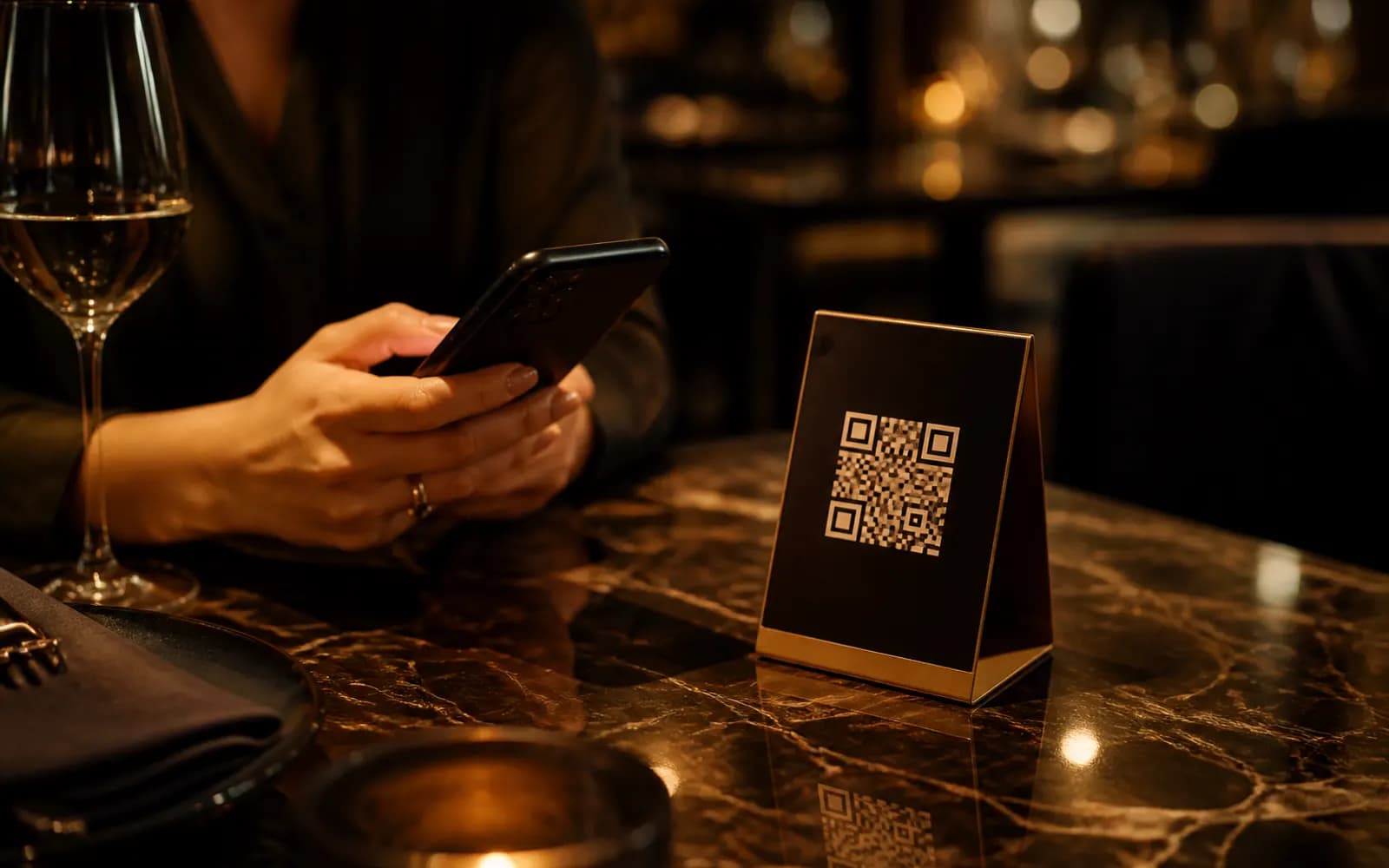
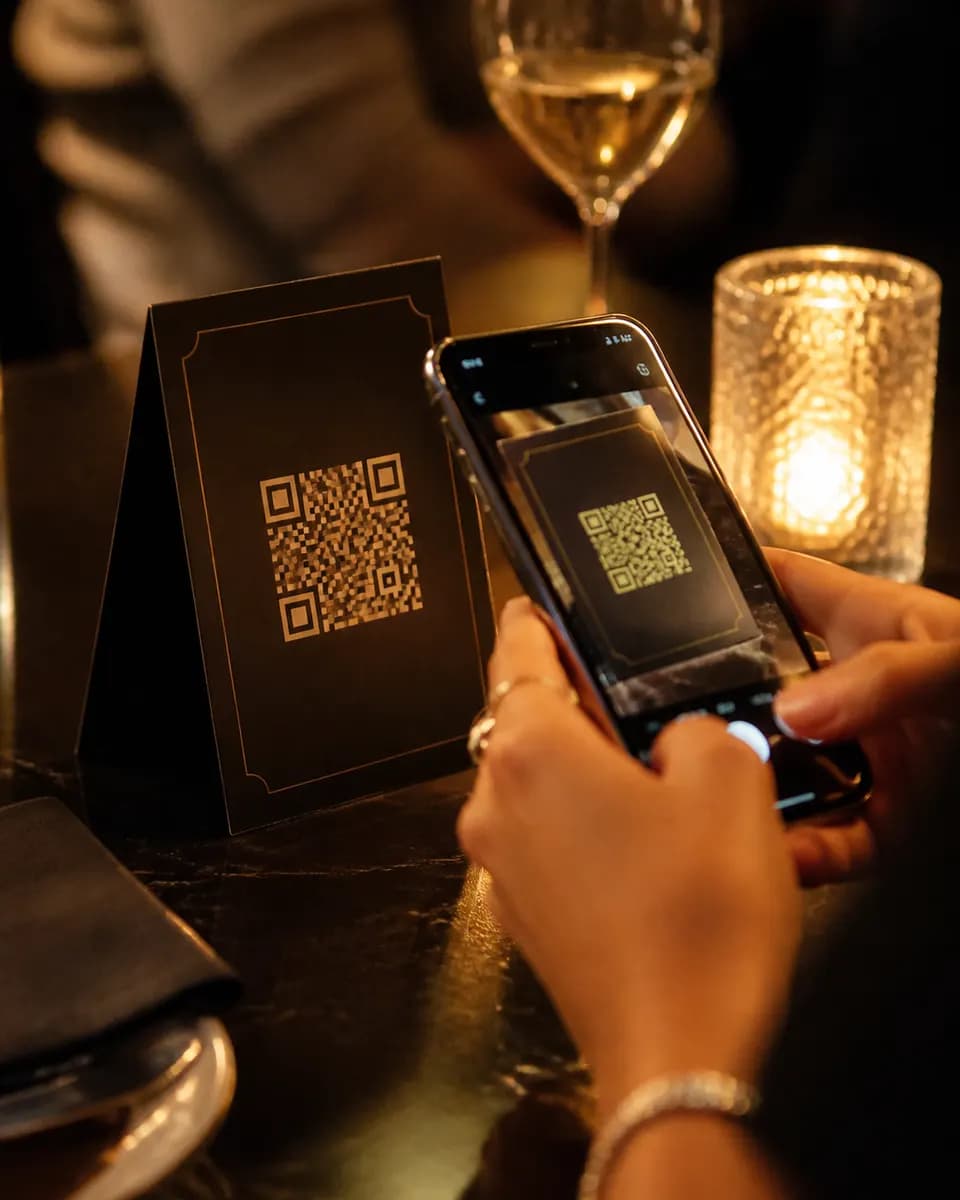
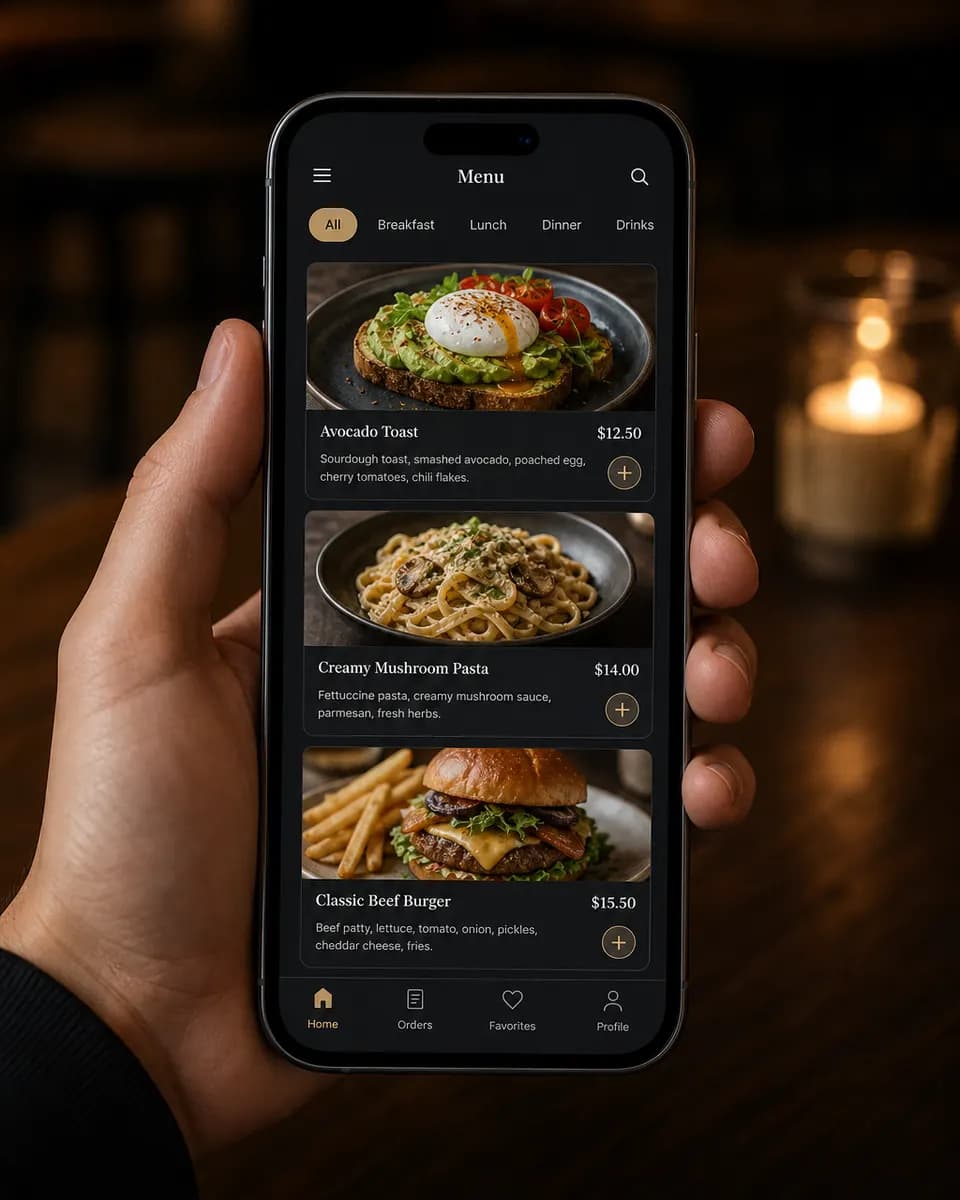
Guests scan a code at the table and open a menu in your identity: sections, photos, and prices. Update a dish once and every table shows it — no reprinting.
Paper lags behind seasons, offers, and cost changes. A digital page updates once and appears on every table immediately — in your restaurant or café identity, not a generic template.
They sit, scan, and open an elegant photo menu. No waiting for a paper booklet, and no heavy PDF that is hard to browse.
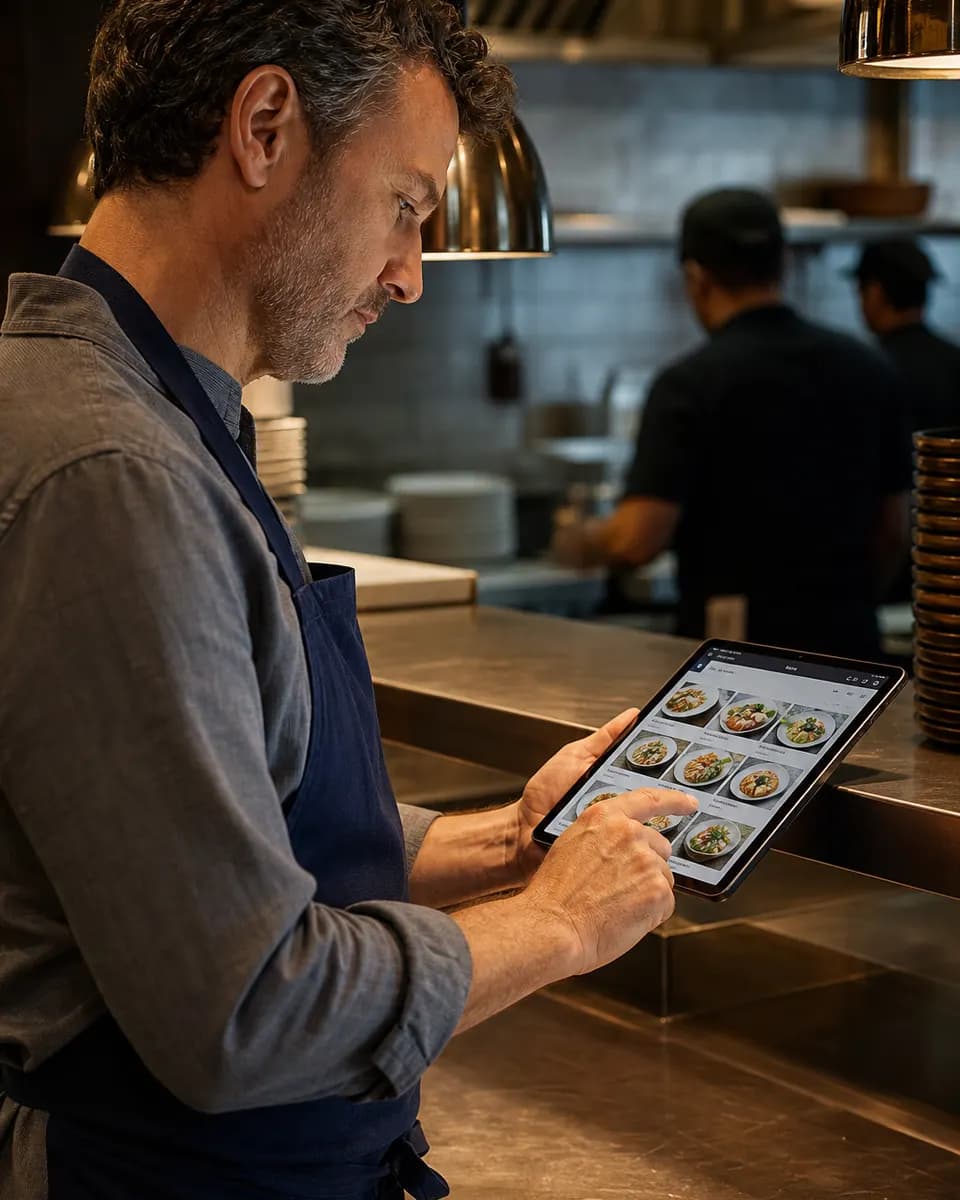
Mark a dish sold out, raise today’s special, and adjust a drink price before the rush. The table link stays the same — only the content changes.
Grill prices changed Friday morning. The guest at the table sees the new figure before any reprint arrives.
Croissants sold out at noon. You mark them in the panel, and the repeated waiter question stops.
A weekend offer appears on every table at once. Each branch keeps its own menu when dishes differ.
Illustrative images — the live menu is built in your venue identity and dishes, not these mockups.
The foundation is a live menu. What follows are optional doors we open when you need them — not a bloated first version.
Online payments, delivery-app links, and a kitchen display are a separate operations project — discussed later if you insist, not part of the core menu.
01
Logo, colors, and your current menu sections.
02
We add dishes, compressed photos, and prices.
03
A fixed link for print or sticker — the page opens at once.
04
Test on three phones, then update daily from the panel.
Tell us about your restaurant or café and how many tables you have — we prepare the page and QR in your identity.